
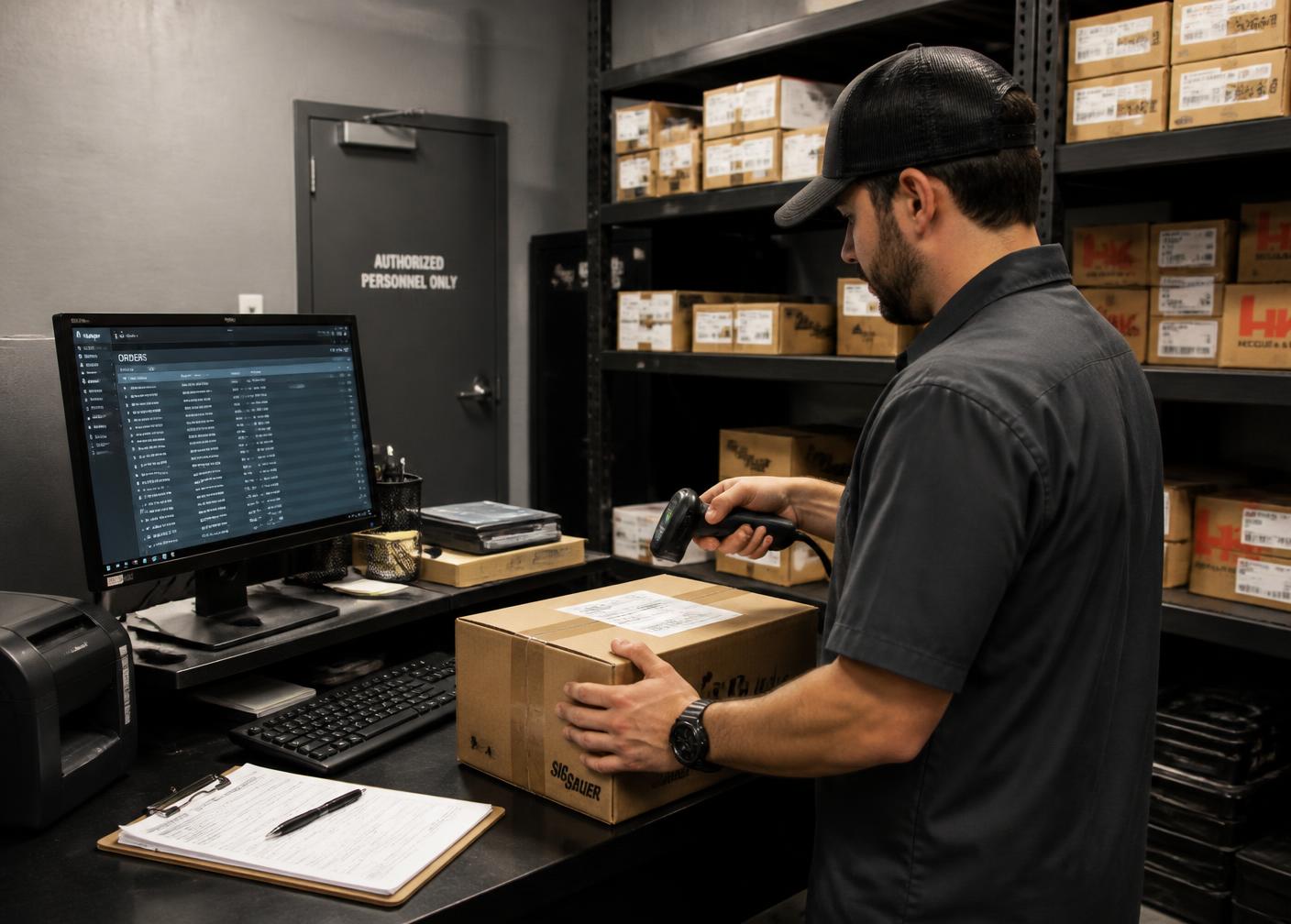
Fulfillment System
Shipping & FFL Transfer Workflows
A firearm order stays open long after the payment clears. Modeling that window properly is what turns an anxious customer into a repeat one — and cuts the phone calls that consume your counter staff.
Order states
Six states beat one status field
Generic platforms offer processing, shipped and complete. Firearm orders need more resolution than that, because the interesting delays happen between those three.
We build workflow and technology, not legal guidance. Transfer eligibility, record keeping and shipping obligations are yours to determine with your counsel and your carriers. What we make sure of is that the system captures the right information at each step and tells the right person about it.
In practice that means the customer sees a status they understand, the receiving dealer knows a package is coming, and your team has a queue of exactly the orders that need attention.
Placed
Payment authorized, dealer captured
Dealer confirmed
Receiving FFL verified on file
Sourced
Local pick or distributor order submitted
Shipped to dealer
Tracking attached, customer notified
Received by dealer
Ready for transfer notification sent
Transfer complete
Order closed, retention handoff begins
Scope
What the workflow layer handles
Everything between a paid order and a completed transfer.
State machine
Defined states and legal transitions instead of ad-hoc status text.
Split shipments
Firearm to the dealer, accessories to the customer, one order record.
Carrier rules
Service selection and handling requirements by product category.
Tracking capture
Tracking numbers attached to the order and surfaced to both parties.
Dealer notifications
Advance notice so arrivals are not a surprise at the receiving counter.
Customer messaging
Plain-language updates at every transition, in account and by email.
Stalled-order queue
Orders that have not moved in N days pushed to a human.
Refusals and returns
A defined path when a dealer will not accept or a transfer fails.
Completion handoff
Closing the order and passing the customer to retention.
Method
How we design transfer workflows
- 01
State mapping
Every real condition an order can be in, named and made reportable.
- 02
Transition rules
What moves an order forward, and who or what is allowed to move it.
- 03
Notification design
The message that goes out at each transition, in plain language.
- 04
Shipping configuration
Carrier, service and handling rules by product type and destination.
- 05
Dealer communication
What the receiving dealer gets, and when, so arrivals are expected.
- 06
Exception playbooks
Stalled, refused and returned shipments handled by a defined path.
Workflow states are the evidence trail behind dispute representment, the trigger set for retention, and the raw material for operational reporting.
Experience
What we measure in a workflow review
Time in state
Where orders actually sit, which is rarely where staff believe they sit.
Contact rate
Support contacts per hundred orders, tracked against notification changes.
Stall recovery
How long a stuck order takes to be noticed without a customer complaint.
Dealer friction
Which receiving dealers create repeat problems, visible in the data.
Multi-location firearm retail · WooCommerce · FFL Cockpit
Armory 219
The product catalog was rebuilt in WooCommerce so serialized firearms, accessories and ammunition each behaved according to their own rules, with location-aware availability instead of a single undifferentiated stock number.
Read the case study →How we report results
We publish what was built and how the business operates afterwards. Client revenue, traffic and ranking figures are only published with the operator's written approval.
All case studies →Answers
Common questions
- What is an FFL transfer workflow?
- The sequence an online firearm order follows after payment: dealer confirmation, sourcing, shipment to the receiving dealer, arrival notification and completion of the transfer. Each step is a state the system should be able to report.
- Why do customers call about order status?
- Because the order sat in one state for a week and nothing told them. Most support volume in firearm ecommerce is a missing notification, not a missing feature.
- How long does the process take?
- It varies with sourcing and the receiving dealer's schedule, which is exactly why the system should communicate the current state rather than an estimated date it cannot control.
Proof
This work, in real firearm businesses
Documented implementations — what was built and how the business runs afterwards. No modelled or estimated performance figures.
Multi-location firearm retail · WooCommerce · FFL Cockpit
Armory 219
The product catalog was rebuilt in WooCommerce so serialized firearms, accessories and ammunition each behaved according to their own rules, with location-aware availability instead of a single undifferentiated stock number.
Read the case study →Local retail + national ecommerce · WooCommerce · FFL Cockpit
USA Gun Store
Firearms, ammunition, optics, parts and accessories were structured with consistent taxonomy, attributes and filtering so that a large catalog stays navigable for customers and legible to search engines.
Read the case study →
Systems Assessment
Give every order a state and a message
We model the real path your firearm orders take and wire the notifications that stop the status phone calls.