
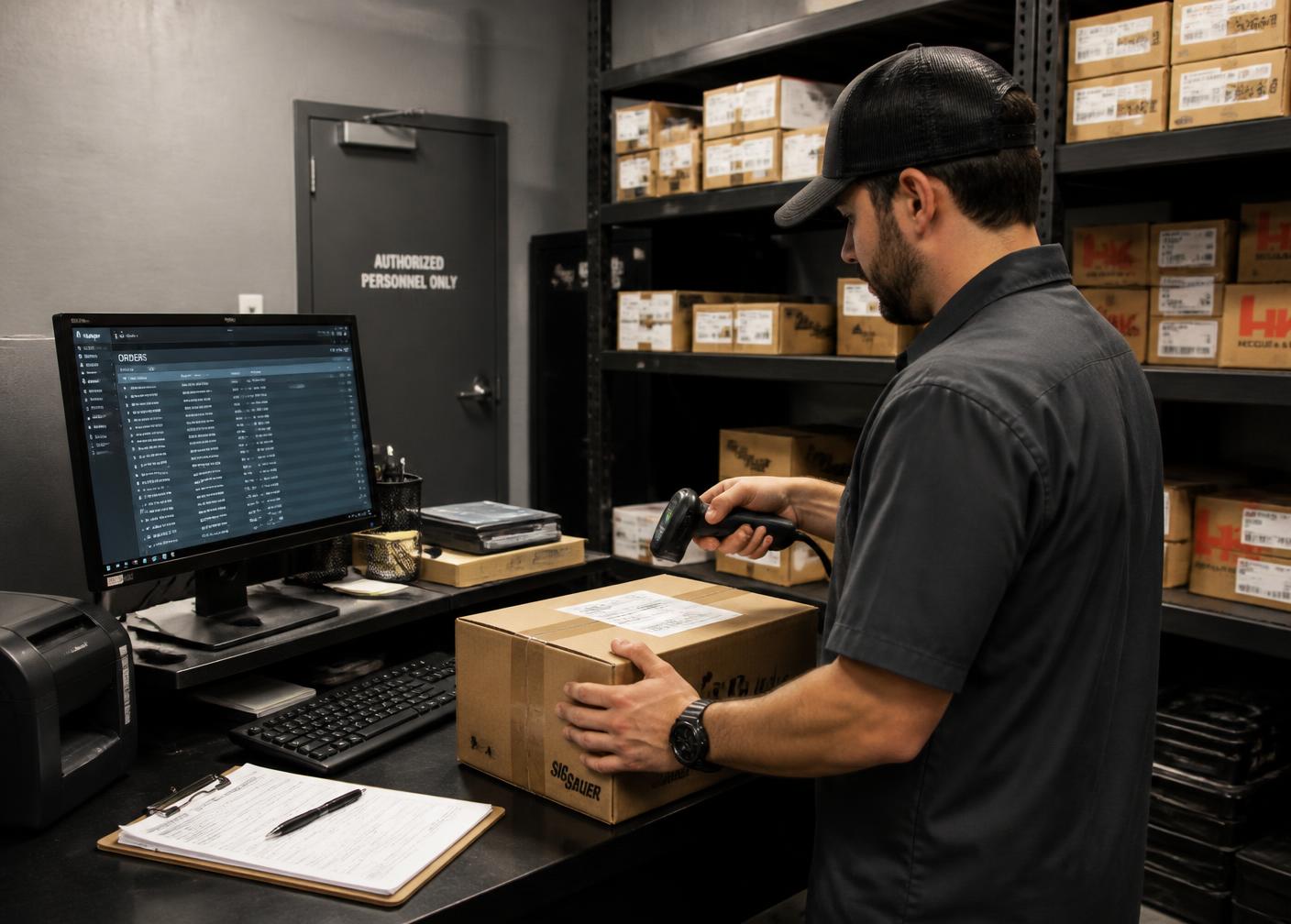
Fulfillment System
Ecommerce & POS Inventory Sync
One shelf, two sales channels. Synchronization is the plumbing that keeps them from contradicting each other in front of a customer.
Sync model
Field-level authority, not a two-way guess
Most sync failures come from both systems believing they own the same field. We decide ownership per field, in writing, before anything is connected.
The POS usually owns quantity and cost. The storefront usually owns merchandising: images, descriptions, categories and SEO content. Price can go either way, but it has to go one way, with documented exceptions for web-only promotions.
Once ownership is settled the integration becomes a maintenance question — cadence, monitoring and a reconciliation report — rather than an argument every time a number disagrees.
POS / inventory
Source of truth for owned stock
Sync service
Mapping, filters, cadence
Storefront
Availability, price, publish state
Order writeback
Web sales decrement the same stock
One inventory position
Counter and website agree at all times
Scope
What synchronization covers
More than quantity: the rules that make a POS catalog presentable online.
Quantity sync
Counter sales decrement web availability on a defined cadence.
Order writeback
Web orders reduce POS stock so the counter is not surprised.
Price policy
One source of truth with intentional, visible exceptions.
Publish filters
Categories, brands and quantity thresholds that gate what goes online.
Content ownership
Merchandising fields protected from being overwritten by the POS.
New product flow
Items received at the counter appearing online with the right data.
Serialized handling
Unit-level reservation rather than a shared quantity field.
Failure alerts
Sync errors surfaced to a person instead of failing silently overnight.
Drift reports
Scheduled comparison of both systems with a variance list.
Method
How we build the sync layer
- 01
System survey
POS capabilities, export options and what the platform can actually accept.
- 02
Authority decision
Which system owns stock, price and product content, per field.
- 03
Mapping
SKUs, categories and attributes matched between systems once, properly.
- 04
Publish rules
What goes online, at what quantity and at what price.
- 05
Conflict handling
What happens when both channels claim the same unit.
- 06
Monitoring
Sync failures alerted, drift reported and reconciled on a schedule.
Sync is where fulfillment meets the operating system: the same integration that keeps the storefront honest also feeds availability and the reporting your team closes the month with.
Experience
What we verify before calling sync done
Round-trip test
Sell at the counter, sell online, confirm both sides land correctly.
Failure behavior
What the storefront shows when the POS is unreachable, decided in advance.
Variance trend
Drift should shrink after launch; if it grows, mapping is incomplete.
Staff confidence
If the counter still checks the website manually, the job is not finished.
Multi-location firearm retail · WooCommerce · FFL Cockpit
Armory 219
The product catalog was rebuilt in WooCommerce so serialized firearms, accessories and ammunition each behaved according to their own rules, with location-aware availability instead of a single undifferentiated stock number.
Read the case study →How we report results
We publish what was built and how the business operates afterwards. Client revenue, traffic and ranking figures are only published with the operator's written approval.
All case studies →Answers
Common questions
- Why sync POS and ecommerce inventory?
- Because the counter and the website sell from the same shelf. Without synchronization, a unit sold in the store stays buyable online until someone notices, and the customer who bought it gets a cancellation.
- How fast does synchronization need to be?
- Fast enough that the window for a double sale is acceptable to the business. For high-turn ammunition a few minutes is fine; for single serialized units, near-real-time reservation matters far more.
- Should everything in the POS be published online?
- No. Sync should carry publish rules: categories that never go online, minimum quantities, price policies and items held for the counter. Synchronization without rules produces a messy storefront.
Proof
This work, in real firearm businesses
Documented implementations — what was built and how the business runs afterwards. No modelled or estimated performance figures.
Multi-location firearm retail · WooCommerce · FFL Cockpit
Armory 219
The product catalog was rebuilt in WooCommerce so serialized firearms, accessories and ammunition each behaved according to their own rules, with location-aware availability instead of a single undifferentiated stock number.
Read the case study →Local retail + national ecommerce · WooCommerce · FFL Cockpit
USA Gun Store
Firearms, ammunition, optics, parts and accessories were structured with consistent taxonomy, attributes and filtering so that a large catalog stays navigable for customers and legible to search engines.
Read the case study →
Systems Assessment
One stock position, two channels
We connect your POS and storefront with clear field ownership, publish rules and monitoring so the numbers stop disagreeing.